Cessna 162-G
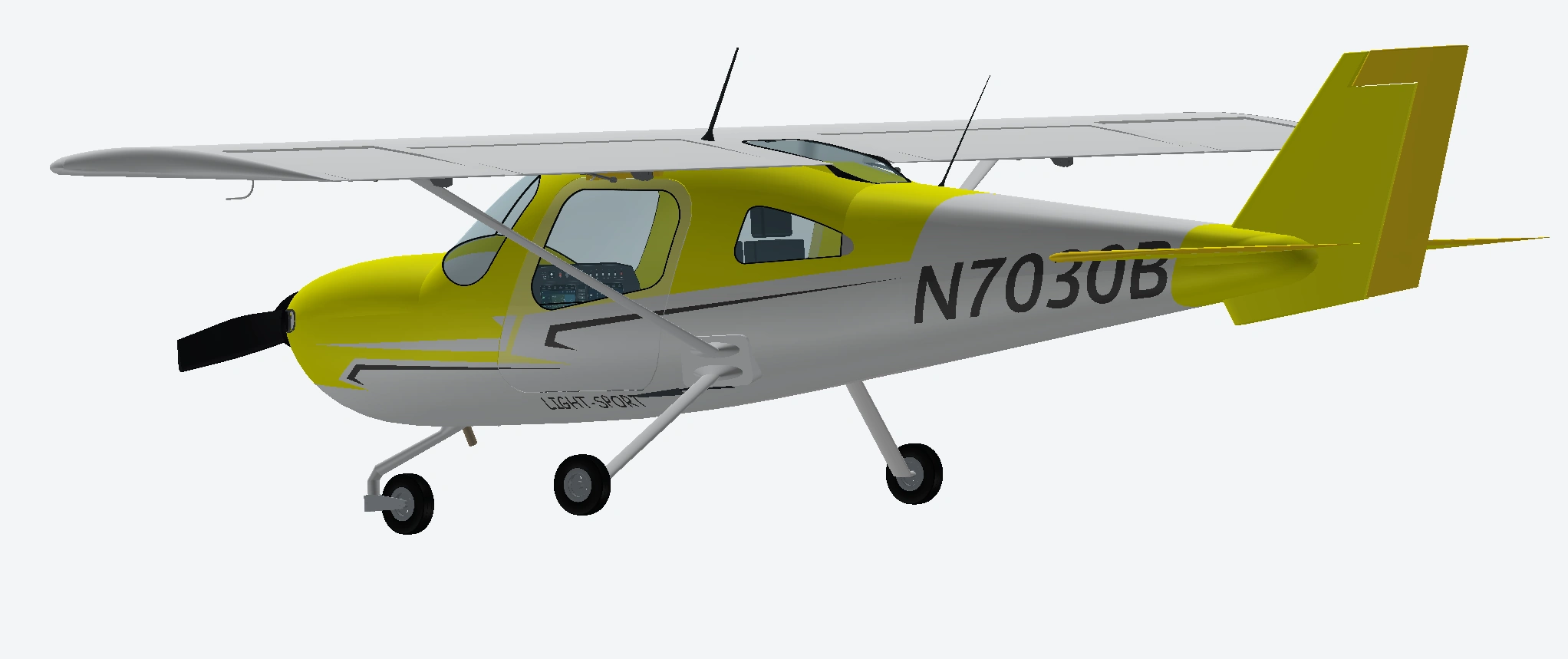
A SolidWorks model of the Cessna Skycatcher 162 I use for flight training, with movable parts and details taken from the real aircraft.
From aircraft to CAD
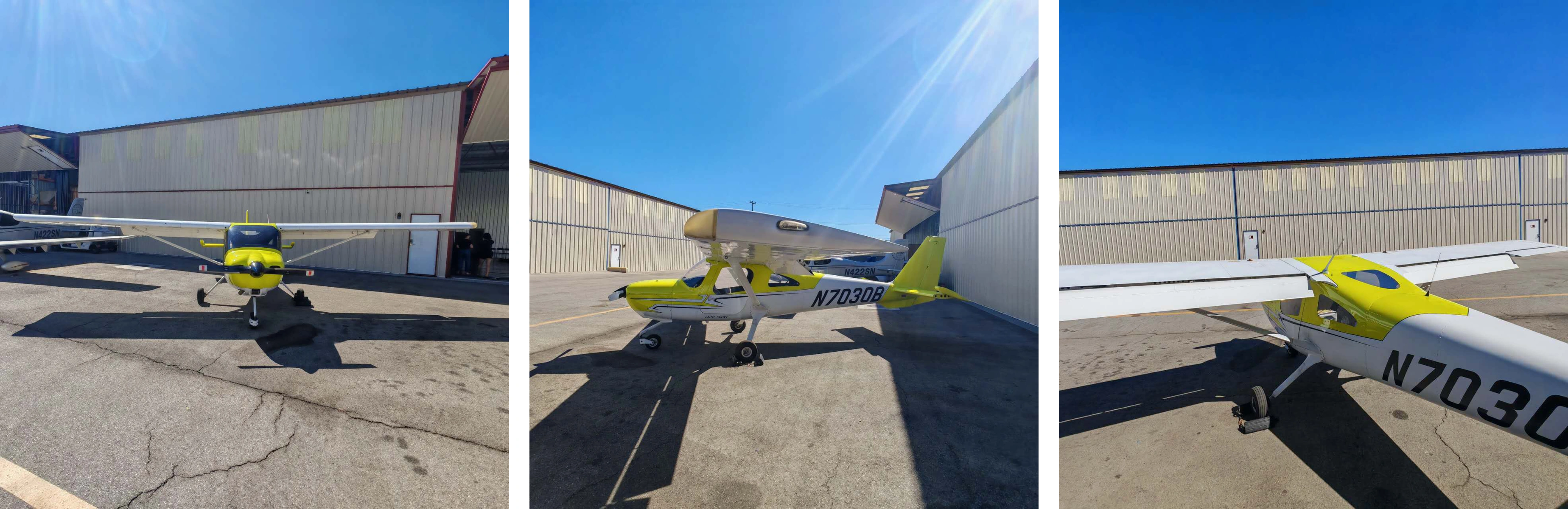
I chose N7030B for my course final project because it is the light sport aircraft I use for flight training. I photographed the airplane and took measurements on the physical aircraft to guide the model.
The goal was to capture both its appearance and its motion, from the paint scheme and cockpit details to the propeller, doors, and individual flight control surfaces.
Building the model
I sketched the fuselage from a reference image, then used boundary surfaces and the Thicken feature to create its shape. I modeled the wing, flaps, rudder, and elevator using Loft, Sweep, Extrude, and Fillet features.
I added the paint scheme and smaller details such as the pitot tube, exhaust, and trim. The control surfaces were created as separate parts so they could move within the assembly.
Assembly in motion
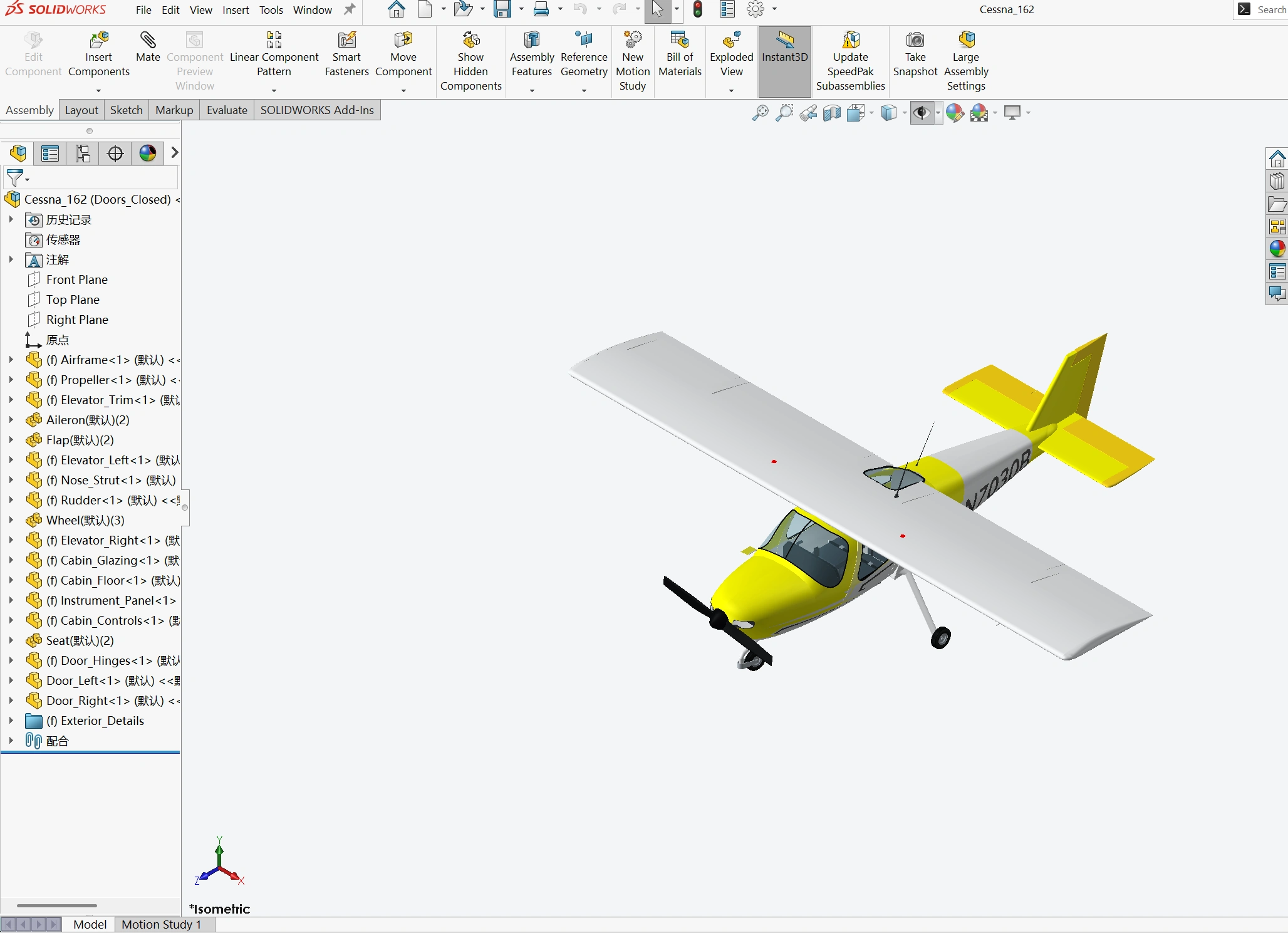
Four animations show the component layout and the motion of the assembled parts.
Exploded assembly
Propeller rotation
Door motion
Flight controls
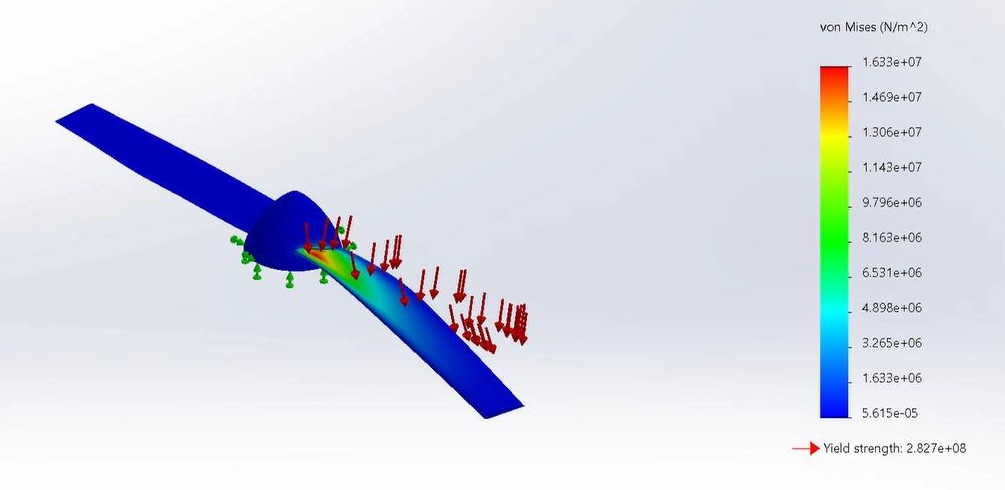
Propeller simulation
I applied a constant pressure load to the propeller and examined the resulting von Mises stress. In the simulation reported for the course, the stress remained below the material's yield limit.